
Proven in enterprise environments
Shut down safely. Wake reliably. Prove the savings.
Auto Shutdown Manager reduces unnecessary PC runtime while preserving documents, updates, remote access, Wake-on-LAN and reporting — alongside the endpoint-management tools you already use.
 45-day Enterprise trial
 Works with existing IT processes
 Built for managed PC fleets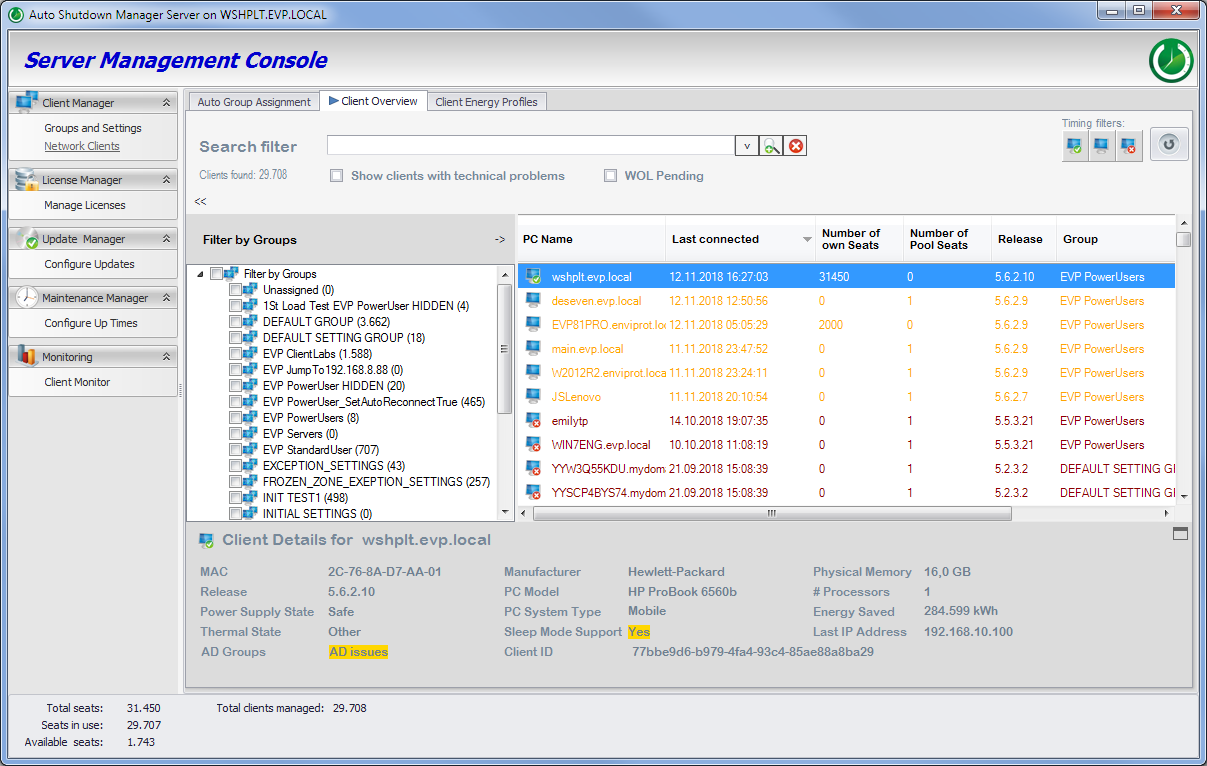
 Detect idle
 Shut down safely
 Wake when needed
 Report savings
IT teams rarely leave PCs running because they want to waste energy. They do it because updates must finish, remote users need access, Wake-on-LAN is unreliable in many real networks, and nobody wants to interrupt users or break maintenance windows.
Users may need access to assigned office PCs.
Patch windows require endpoints to be available outside working hours.

VLANs, subnets and remote sites make basic wake-up unreliable.
Savings are hard to defend without reporting.
Keep your endpoint management stack. ASDM is not here to replace SCCM/MCM, GPO, Intune or remote access tools. It handles the power management and Wake-on-LAN tasks many teams otherwise try to build with scripts, manual routines or basic Wake-on-LAN tools.
Windows, GPO, SCCM/MCM and Intune already handle endpoint configuration and compliance. Keep them.
Making it available again when needed — across VLANs, for scheduled maintenance, or for remote users.
ASDM handles power management, Wake-on-LAN and reporting alongside your existing IT tools.
ASDM follows your policies to shut down idle PCs, wake them when needed and report runtime and savings.
True CPU, disk, and network activity state
Save open documents, enforce policy
VLANs, subnets, SCCM integration
Maintenance windows and remote users
Energy, cost and CO₂ savings.
Keep PCs available for updates and remote work without leaving them running when they are not needed.
Reduce unnecessary runtime without interrupting active users, presentations, jobs, backups, scans or approved exceptions. Save documents beforehand, log out of databases and run shutdown scripts.
Wake endpoints when SCCM/MCM, updates, scans or scheduled maintenance need them — then return them to controlled power policies.
Let users or support teams wake assigned office PCs when needed, instead of leaving desktops powered on all week for occasional access.
Estimate, pilot, measure and report energy, cost and CO₂ impact. Less unnecessary runtime can also mean less unnecessary exposure.
Estimate energy, cost and CO₂ savings using your own assumptions. IT effort, maintenance and potential user interruptions also belong in the business case, even if they cannot always be quantified directly. Then validate the results in your own environment.
 Calculate ROI
Case study results are specific to each environment. Actual savings depend on runtime patterns, electricity costs, hardware, network configuration and rollout scope.
Estimate with your numbers
45-day Enterprise trial
Validate in controlled env
Via GPO or SCCM
Data-driven validation
All without replacing the Microsoft tools you already use.
Contact Sales DE
DE  EN
EN 

